Lifeguard Simulator Tools & Reference
Controls, PC specs, and setup checks before you clock in on the sand.
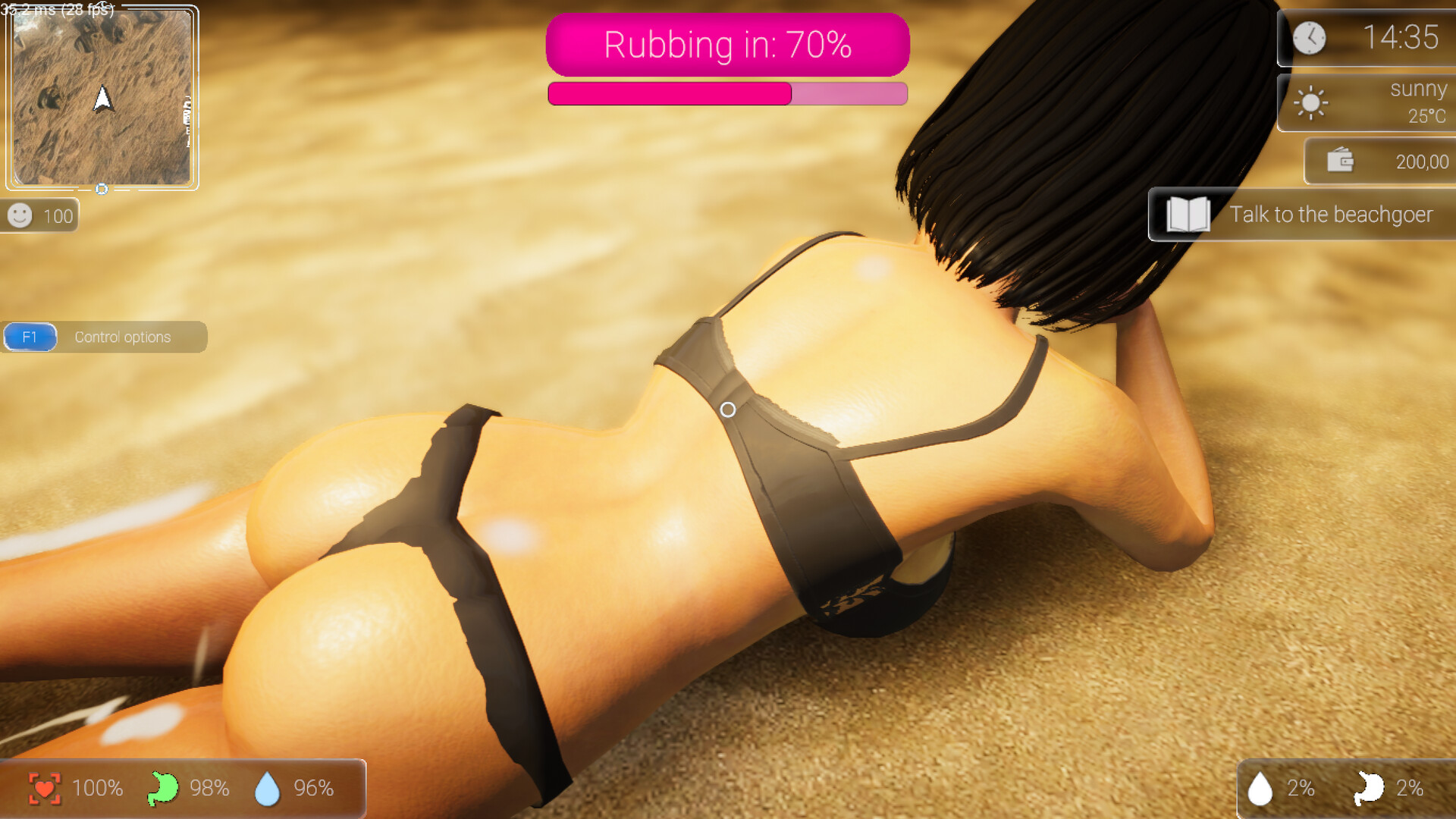
The Tools Hub collects reference pages beside the story guides: how you move, what your PC needs, and how to keep Lifeguard Simulator playable when the beach fills up. Use it when installing, mapping a controller, chasing stutter in crowds, or verifying Early Access still matches your hardware. For rescues and day order, jump to the Guides Hub.
Lifeguard Simulator (Steam 1320170) is a single-player, first-person beach sim from FreeMind S.A. with PlayWay S.A. You rotate towers, tickets, parties, kids, marine animals, sharks, and vehicle rescues under a hard oxygen limit. That fantasy only works if inputs feel natural and your machine can hold a busy shoreline.
Pages in this hub
Controls
Keyboard, mouse, and full controller support for FPS lifeguard play. Covers movement categories, vehicle switches, drone deploy (arm on sand, then fly), and optional top-down camera beside first-person. Exact keybinds can differ by build—confirm inside in-game settings.
System requirements
Minimum and recommended Windows specs, DirectX notes, storage targets, and performance tips for dense beaches and water. Steam Deck verification is not confirmed here; treat handheld play as experimental until an official rating appears.
Workflow with the rest of the wiki
- Match your PC on system requirements.
- Learn input categories on controls.
- Follow getting started for the first day loop.
- Drill water saves with how to rescue.
- Track patches on the Updates Hub.
First-hour setup checklist
- Install from Steam; try demo 4743410 if you want a hardware smoke test.
- Set display and audio—narration uses a toggleable AI voice (ElevenLabs) you can disable.
- Choose keyboard/mouse or controller; vehicle swaps feel different on sticks.
- Skim the Vehicles Tier List so muscle memory targets the right craft.
- Open the tower, walk a short patrol, then attempt one water extract so oxygen is not a surprise.
Performance and comfort
Busy beaches, parties, and stacked vehicles push Unity harder than an empty dawn shore. Lower crowd-adjacent settings first, then water and shadows, as outlined on the requirements page. Cap framerate if thermals climb during helicopter or drone use. Practice first-person and top-down swaps before a long day walkthrough session.
Keep background downloads paused on older disks—the install sits around the mid-teens of gigabytes depending on min versus recommended storage guidance.
When to leave Tools
Tools answer “can I run it?” and “which buttons matter?” Guides answer “what do I do on day three?” After controls settle, move to beach patrol and the Early Access overview. Official Steam, Discord, and studio doors sit on the Links Hub.
Keeping notes honest
Early Access means binds and recommended specs can shift across the ~12-month plan. When Steam news mentions input or performance, reread these pages. This wiki is unofficial—cross-check hardware claims on the Steam store when numbers disagree.
Use Tools as your pre-shift locker: specs on the clipboard, controls on the hook, then walk out with the Guides Hub as training.
Frequently Asked Questions
Quick answers to the most common questions.
What pages are in the Tools Hub?
Start with controls for input and cameras, then system requirements for PC specs and performance tips.
Do I need these tools before playing?
Skim requirements before installing, then read controls before your first rescue. Continue with getting started.
Are exact keybinds listed here?
We document control categories and workflows. Exact keys can change in Early Access—confirm them in-game on controls.
Where do I go for rescue technique?
Open the Guides Hub, especially how to rescue and beach patrol.