Lifeguard Simulator Controls & Input Guide
Move, drive, fly the drone, and switch cameras without fighting the settings menu.
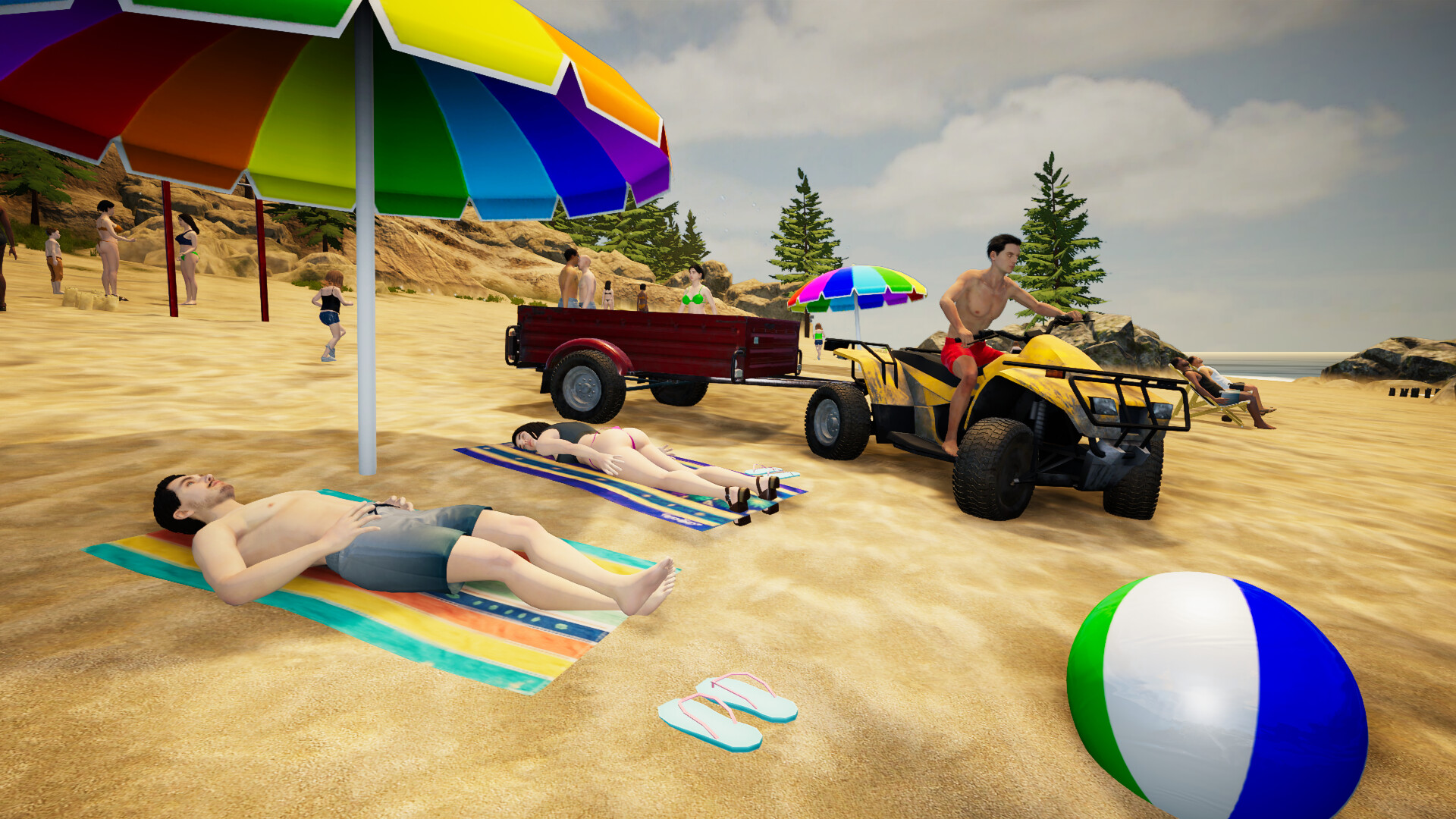
Lifeguard Simulator is a first-person beach job with full controller support, vehicle swaps, drone scouting, and an optional top-down camera. This page covers control categories—not a fake key table. Early Access builds can remap labels, so the in-game settings screen always wins. Pair with getting started and the Vehicles Tier List.
You manage sand and surf under time pressure: tickets, parties, kids, sharks, marine animals, tower watches, gas-station supplies, and water rescues with a five-minute oxygen limit. Clean inputs matter as much as knowing which vehicle ranks S-tier.
Devices that work
- Keyboard and mouse — precise looking, drone flight, and UI clicks.
- Controller — full support for long beach days on sticks.
- Mixed setups — some players drive with a pad and still mouse the menus; test your build.
Steam Input may remap pads. If face buttons disagree with prompts, check game settings and Steam’s layout before blaming a bug.
On-foot categories
Think in verbs, then assign whatever keys your build shows:
- Look / aim — scan swimmers and tower sightlines.
- Move / sprint — close sand gaps between tower, parties, and fuel.
- Interact / use — tickets, supplies, mounting vehicles, contextual actions.
- Primary rescue actions — enter water, secure a guest, surface before oxygen fails (how to rescue).
- Secondary job tools — ticketing or other lifeguard actions your build exposes.
Practice tower → crowd → gas station → shoreline. If interact and rescue share awkward fingers, rebind early—muscle memory hardens across the ten scripted days.
Vehicle categories
Rotate quads, jet skis, motorboats, and stage helicopter calls. Shared ideas: throttle, steer, brake/reverse, look, dismount. Water craft need wave respect; quads want wider sand turns.
Habits that save shifts:
- Dismount with clear space.
- Point craft toward the next likely emergency before walking away.
- Never leave S-tier water vehicles empty—fuel is control discipline.
- Switch deliberately; panic-mounting a quad for an offshore save wastes oxygen.
Revisit roles on the tier list and patrol flow on beach patrol.
Drone deploy notes
- Arm / prepare on sand — not a mid-swim magic gadget.
- Launch and climb for crowds, sharks, and missing kids.
- Spot, then decide — ski, boat, helicopter, or on-foot.
- Recall / land and commit to the extract.
Flying during an active drowning burns the clock the drone should protect. Bind deploy somewhere you will not hit while steering. Raise air look sensitivity only after on-foot tests so tower pans stay calm.
Camera modes
Default is first-person. Optional top-down helps with crowd flow, parking, and learning a day’s layout. Plan in top-down, extract in first-person when swim angles matter.
- Learn the toggle on day one in settings.
- Avoid mid-grab camera flips until practiced.
- Top-down helps beach patrol routing; first-person stays clearer in water.
Narration toggle
A toggleable AI narrator (ElevenLabs) is comfort, not a required control. Disable it if voice lines drown out urgency cues. Keep SFX audible either way.
First-session bind pass
- Note your current layout in settings.
- Confirm look sensitivity on foot and in the air.
- Place interact, rescue, and vehicle enter/exit on comfortable keys or face buttons.
- Put drone deploy on a deliberate control.
- Practice two camera swaps on empty sand.
- Complete one water save so oxygen UI stays peripheral—see how to rescue.
Troubleshooting
- Prompts disagree with the pad — reset preset, rebuild binds, check Steam Input.
- Drone launches early — move deploy off shared bumpers.
- Motion discomfort — lower sensitivity; ease into top-down.
- Missed rescues with “good” aim — often vehicle or fuel, not look speed (tier list).
- Stutter while turning — performance issue; open system requirements.
Return to the Tools Hub for specs, follow getting started for day one, and watch input notes on the Updates Hub. Exact key names will shift through EA—revisit after major patches instead of memorizing outdated tables.
Frequently Asked Questions
Quick answers to the most common questions.
Does Lifeguard Simulator support controllers?
Yes—full controller support alongside keyboard and mouse. Confirm layouts in-game and in Steam Input if prompts disagree.
How do I deploy the drone?
Prepare on sand, launch for an overhead scan, then return to a vehicle or on-foot rescue. See how to rescue for the extract itself.
What camera modes are available?
First-person is default; optional top-down helps routing and crowd awareness. Find the toggle in settings and practice before busy days.
Why doesn’t this page list every key?
Early Access binds can change. We document categories and workflows; verify exact keys in the current build’s settings menu.
Where should new players go after fixing controls?
Follow getting started, skim the Vehicles Tier List, then beach patrol.